colour

Developed Geo patterns on Illustrator/Photoshop

October 27, 2015

I found the Simple Geo Print workshop with Robert incredibly helpful last week therefore I decided to develop my skills further using the same steps but putting my own twist on them. I had to use trial and error to teach myself more skills in Illustartor but I found myself beginning to create really interesting patterns.

Beginning my pattern


Experimenting with line and colour (further developing from my initial pattern)


Experimenting with colour ways, using my SADACC visit as colour inspiration (first sample). I also layered over the line pattern to develop the pattern and texture (last sample).


Repeat print

Geo Print Illustrator: Technical

October 19, 2015

Quick visual research using pinterest and WGSN in preparation of our session with Robert


                                                                                                                                                                                                 Textiles Première Vision Designs S/S 16 – Print & Pattern 02.19.15 ... Première Vision Designs S/S 16 – Print & Pattern Retro Geos S/S 16 Textiles By Product Category ... are revived with retro geometric patterns  inspired by 1960s and 1970s fashion prints. Tricolour geos ...                                                                      


Further research of Mid century Geo prints, looking at Anni Albers' work. She was an American textile artist and printmaker. She produced tapestries, wall hangings, print works, wall covering designs and woven samples.
http://www.moma.org/collection/artists/96?locale=en
http://www.wgsn.com/content/board_viewer/#/138030/page/1


Using Robert's worksheet was helpful because I hadn't used Illustrator much before. I found it so simple to use and I can apply this skills I learnt today to further digital print work or designs created from my original work etc. I am so excited to do this- I just need to find some more time!!


technical

Illustrator Workshop: Technical

October 12, 2015

Robert's illustrator workshop helped me to quickly add colours and helped create shapes in different ways.  I will use illustrator more often now that I have used it properly and know how the tools work differently in contrast to Photoshop. 


technical

Digital Printing: technical

October 09, 2015

Digital printer:
Uses procion and acid dyes

Prints with dyes, steamed as washed as normal (intensifies colours)
A good quality image is needed on memory stick ready to print
Can only print with Neil on Tues/Weds/Thurs
Print has to cover width of fabric
Maximum 10 days turnover (at busiest
Can use photoshop/illustrator but AVA is best
AVA is a textile repeat software
Layers must be flattened and it must be saved as a TIF file
1 metre of printing takes 45 minutes and price varies on different fabrics

Possibilities:
Print on devore fabric
Linen creates a faded, aged look
Organza can be printed on
Print some intricate parts using digital but leave spaces blank to go in and hand print
Spray on water before steamed and set, add discharge paste?

Sublimation Printer:
Uses disperse dyes

Synthetic fibres
Print from any file, print onto 60 cm wide fabric and the heat press
£13= 1 metre


Group Repeat Print Project

Cut through repeat workshop

September 22, 2015

We began this workshop with drawing activities using our personal objects to draw from on A1 paper, using many drawing strategies:
Negative space
Texture
Line/shape
Tone/shadow
Blind drawing
Continuous line timed drawing

Using a variety of drawing strategies is really helping me find a style and forcing me to use different scales and unique techniques. I enjoy timed drawings to then subsequently add and work into them to create more considered, delicate marks. I want to build a sketch book using these techniques, layering different drawing techniques with tracing paper, acetate and contrasting textures.

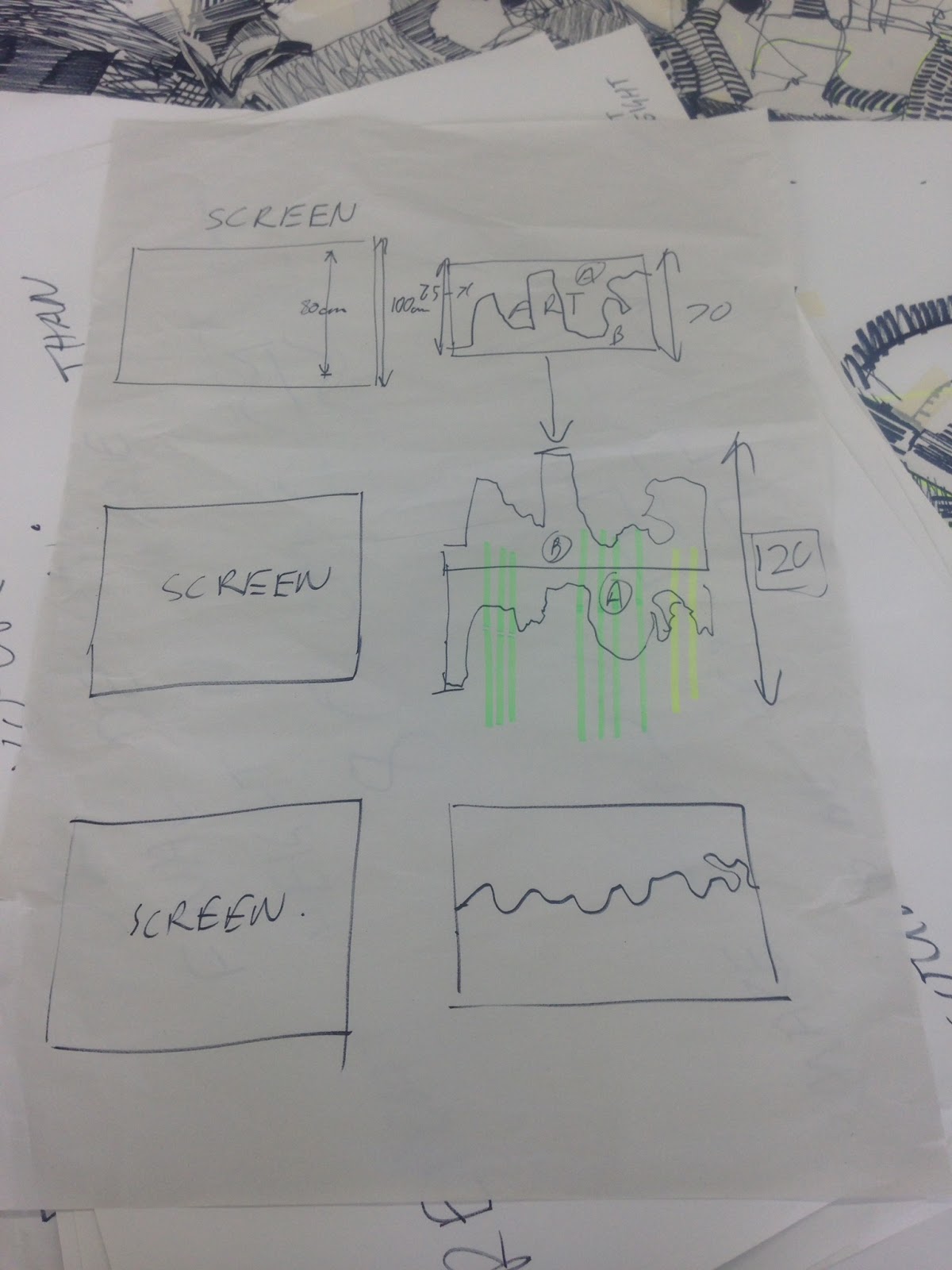
Today we combined the groups drawings we did individually with bold black pen using different strategies to create a large A1 collage of line and shapes etc, filling in spaces with and marks from our objects to ensure it flowed. We then cut through the A1 collage in a wave. Ensuring the wave was not too dramatic or high to create the subtlest repeat as possible.


Make a Repeat Pattern in 60 Seconds

Make a Repeat Pattern in 60 Seconds with Julia RothmanFull Class → http://skl.sh/repeat-patterns

Posted by Skillshare on Friday, 16 October 2015